
QUICK START
Call a play. Take the field.
Open Bowl, choose a team and select a play. Explore the actions below, then check the keyboard or touch controls before kickoff.
OPEN THE PLAYBOOK
Pick an action.
Learn the play.
Pick an action.
See it on the field.
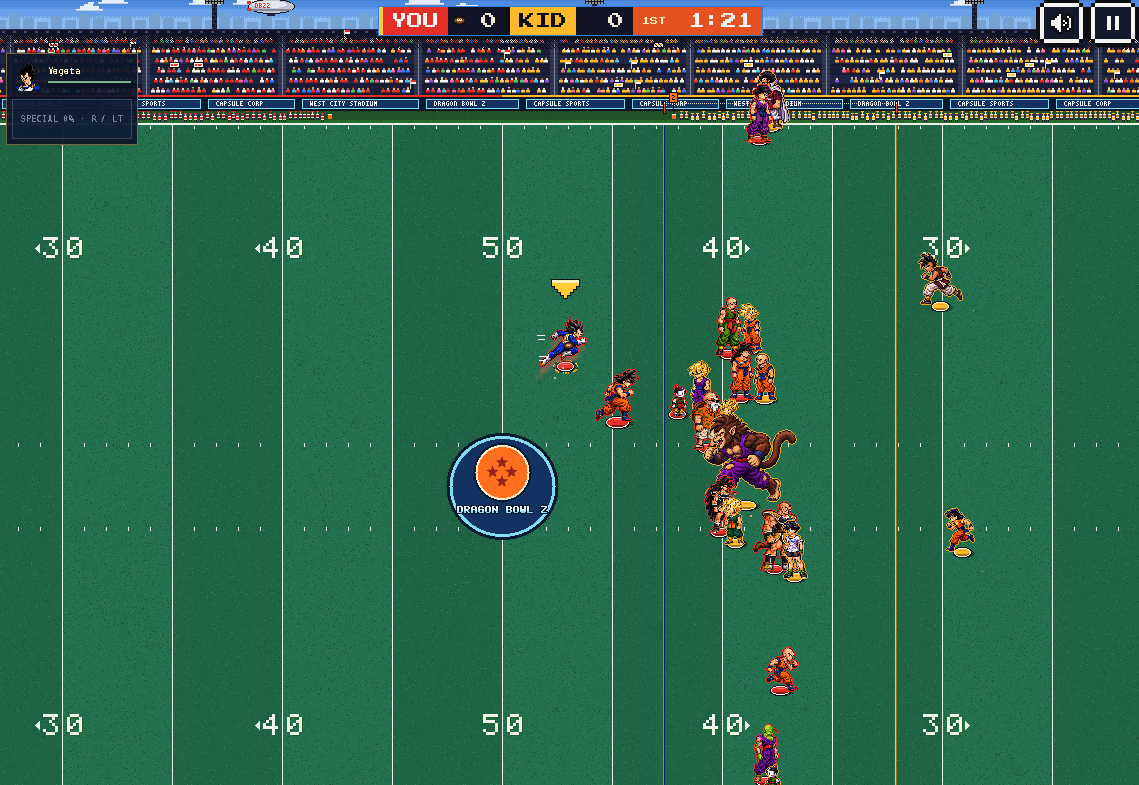
01 / RUN THE BALL
Find a little daylight.
Take the handoff, read your blockers and steer into open space. Your next big play starts with a small opening.
- Choose a run play.
- Snap the ball.
- Follow the blocks and make your cut.
Before kickoff: keyboard & touch controls +
Keyboard
WASD / Arrows Move
Space Snap, throw, juke or dive
Shift Cycle targets / switch defenders
1–5 Choose receiver
R Special · Esc Pause
Touch
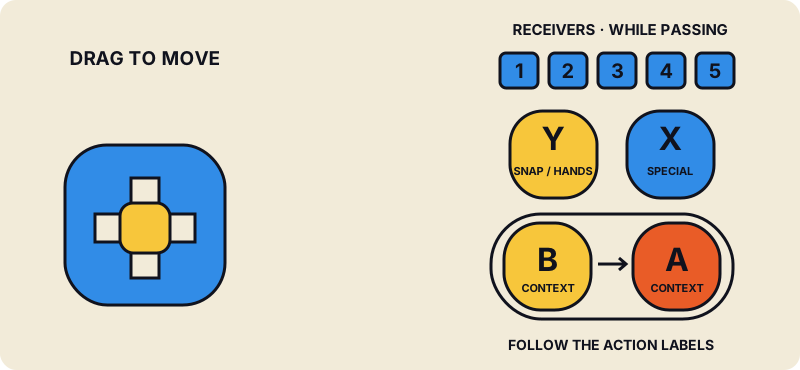
Play sideways. Drag the left pad to move. Y snaps the ball or handles hand actions; X uses Special when charged. B and A change with possession—follow their labels. Receiver buttons 1–5 appear when passing. Slide B into A for contact when prompted.
Ready? Take the fieldSaves & progress
Your team saves in this browser on this device. Export a team file in Team Builder to back it up or move it to another device. Clearing browser data may erase your save.
Match stats stay in your current game. Accounts, cloud saves and career stats are planned; no release dates yet.
Open Team Builder